
Search Chippewa County Booking Reports
Chippewa County Booking Reports are easy to start but still worth checking with care. The sheriff's office has an online inmate roster, and the research says it is updated during business hours. The detailed notes add more shape, showing that the roster is really a browseable list with columns for name, booking number, intake date, charges, and bond. That gives you a quick first look. If you need the case side or a custody update after the roster changes, the county's court and state tools can carry the search the rest of the way.
Chippewa County Overview
Chippewa County Booking Reports and Jail Access
The Chippewa County Sheriff's Office is at 32 East Spruce Street in Chippewa Falls, and the main phone number is 715-726-7704. The jail phone is 715-726-7710. Chippewa County Booking Reports are available online through the sheriff's office roster, and the research says that roster is updated during business hours. That is enough to make a fast first check before you call or write.
The detailed research shows a roster that works as a browseable list and includes a Master Name Index number, photo indicator, name, sex, age, booking number, intake date, charges, and bail or bond. The facility also has a classification system, seven video visiting booths, a Huber work release dormitory, and a jail capacity of about 199 beds. That matters because the booking report is not just a name on a page. It is part of a larger jail system with clear housing and release data behind it.
Chippewa County does not hide the basic data. It gives you a roster, a sheriff's office contact, and a records request path. If the first lookup does not answer the whole question, the court and state tools usually will. That keeps Chippewa County Booking Reports practical instead of vague.
Chippewa County Booking Reports Image Sources
The first image below links to the official Wisconsin Circuit Court Access site at Wisconsin Circuit Court Access. It gives the court-side view that often follows a jail booking.
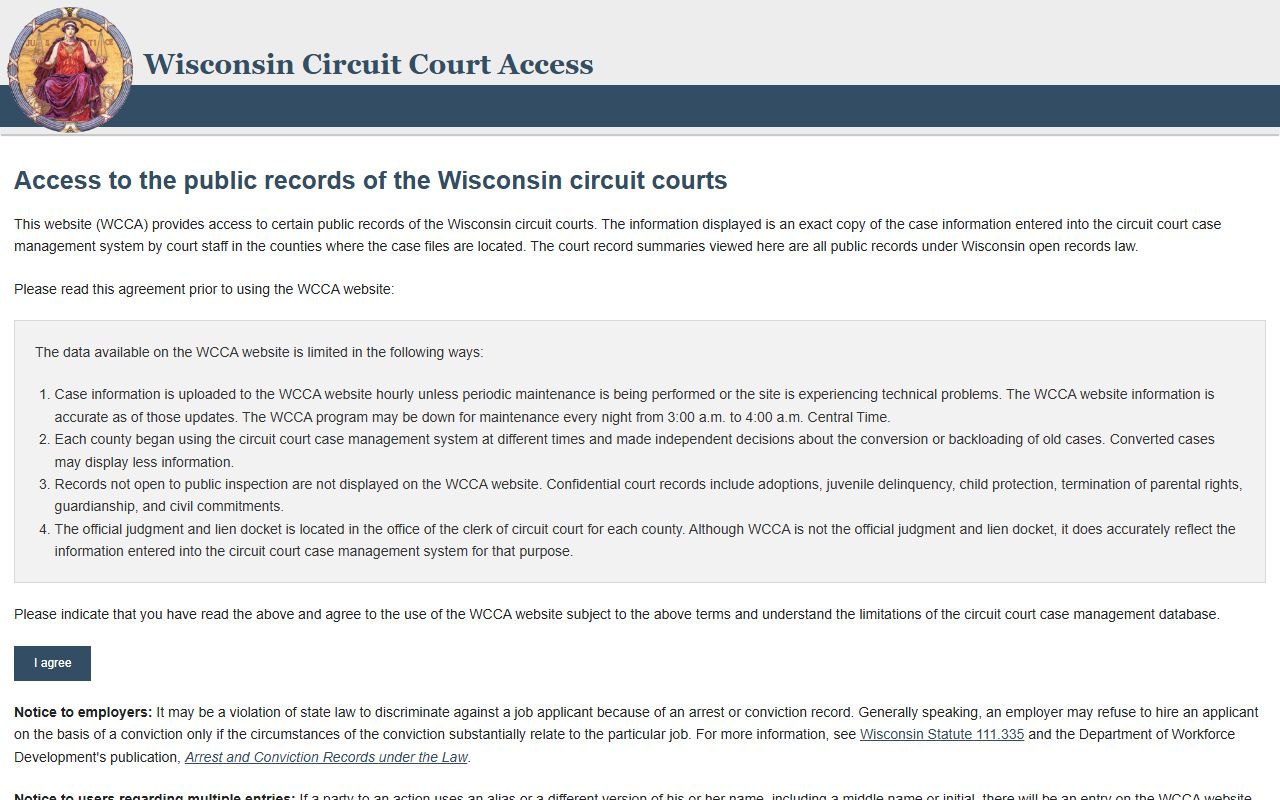
Use it to match the roster entry with the case docket.
The next image links to the Wisconsin Public Records Law page at Wisconsin Public Records Law.
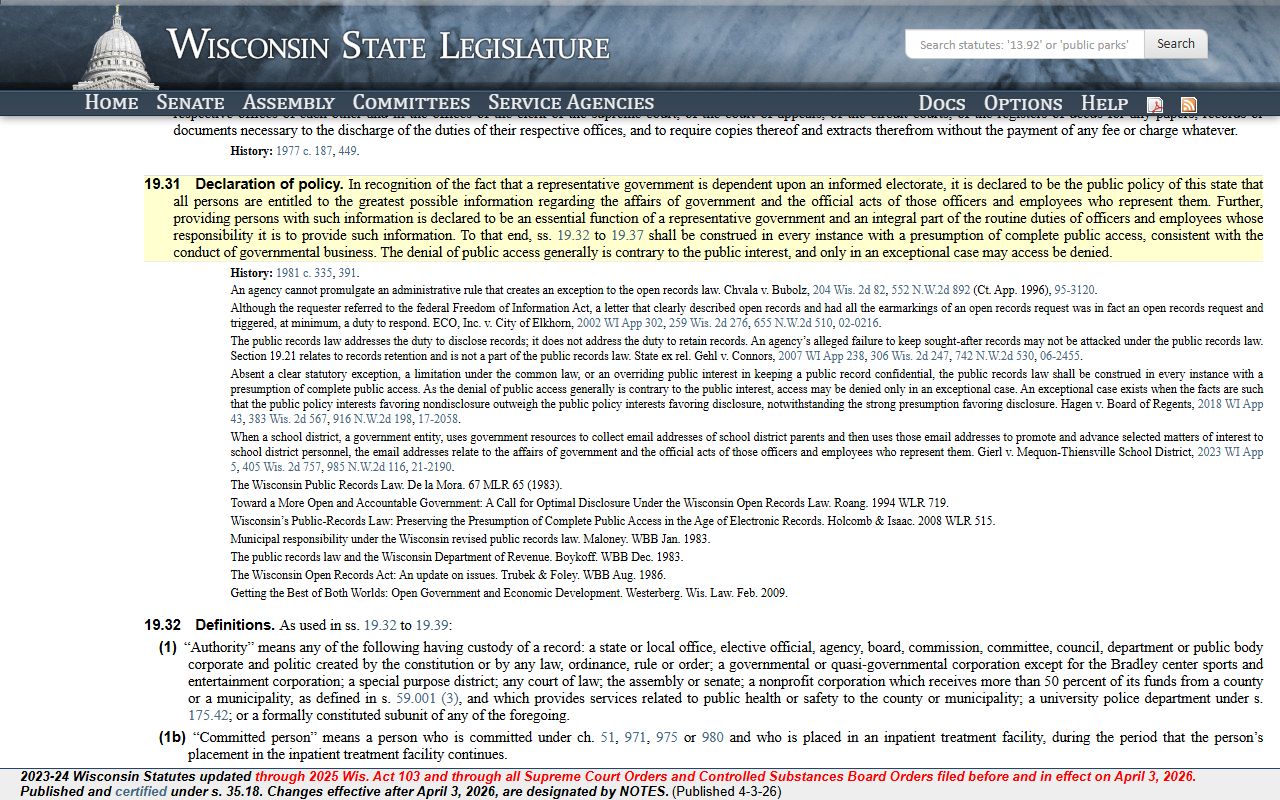
That is the rule that makes a clear records request work.
A third image links to the Wisconsin VINE county jails page at Wisconsin VINE county jails page.
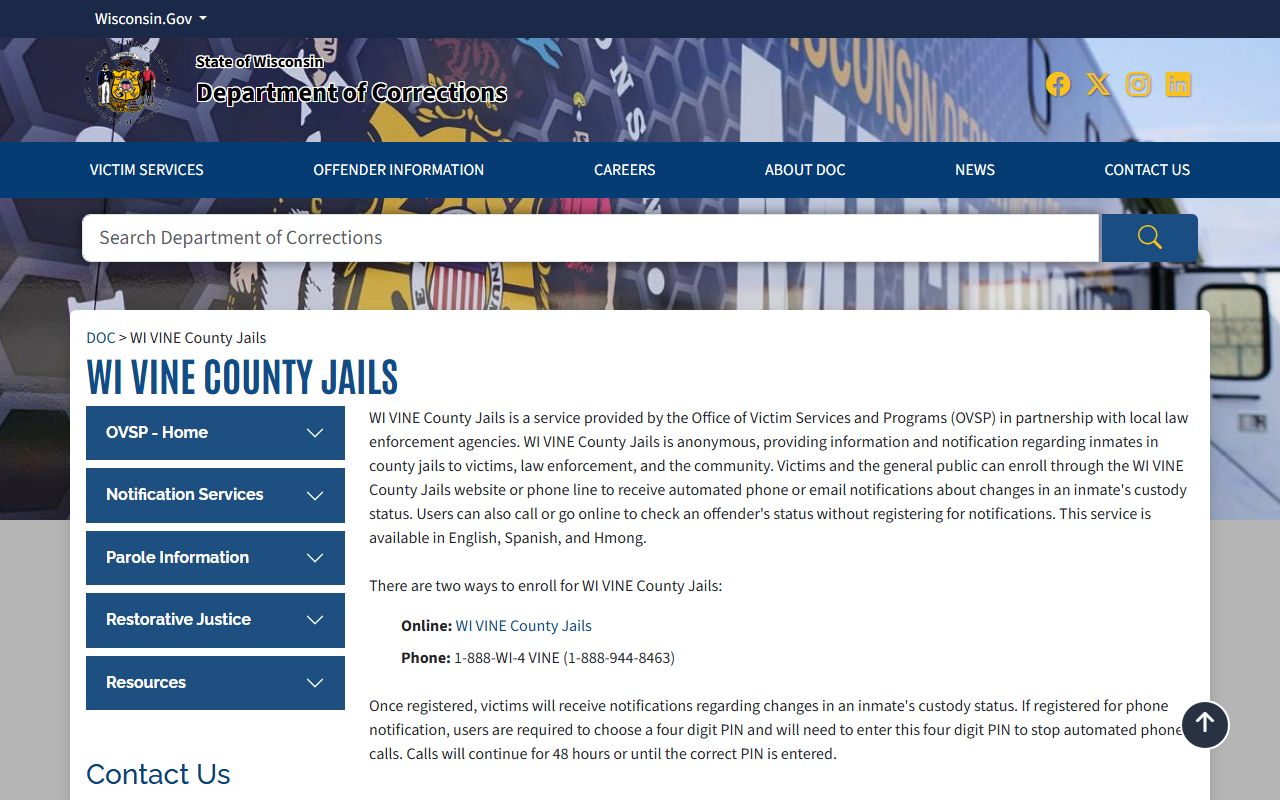
It helps when a booking turns into a custody change or transfer.
The fourth image links to the Wisconsin DOJ Crime Information Bureau page at Wisconsin DOJ Crime Information Bureau.
That page helps when a local booking needs a wider criminal history context.
Search Chippewa County Booking Reports
Searching Chippewa County Booking Reports starts with the roster on the sheriff's office site. The county says the roster is online and updated during business hours, and the detailed notes show that it is a browseable list rather than a deep database. That means the name search is practical, but the record still needs close reading. If you know the last name, use that first. If you know the booking number or intake date, even better.
The detailed research also shows the roster in PDF form with multiple columns. It lists MNI, photo indicator, name, sex, age, booking number, intake date, charges, and bail. That is enough to confirm the person and the jail event. Once you have the booking, use CCAP for the case, and use VINE when you care more about custody status than court status. The state DOC locator can help if the person moved out of county custody.
Keep the search tight before you start.
- Full name of the person you want to find
- Booking number, if available
- Approximate intake date or date range
- Date of birth, if known
- Any charge detail that helps narrow the roster
That is usually enough to get the right Chippewa County Booking Reports entry without chasing the wrong name.
Chippewa County Records Requests
Chippewa County says written requests are preferred, but in-person requests are also accepted during business hours. The records request path starts at the sheriff's office, and the online form is listed in the detailed research. That gives you more than one way to ask for a report. Wisconsin Statute § 19.35 governs the timing and basic access rules, so a short and specific request is usually the best one.
The county does not give a single set dollar figure in the summary research, but it does say standard copy fees apply and prepayment may be required for large requests. That is enough to plan ahead. If you only need the roster page, that may be quick. If you want the booking report, incident report, and a property return form, expect a wider file and more time. Chippewa County is usually best when the request is direct and the date range is narrow.
Ask for the record by person, date, and record type. That keeps the process calm and avoids back-and-forth. A plain request is a strong request in this county.
Note: Chippewa County Booking Reports are easiest to read when you match the roster entry with the court case and the jail's current custody status.
Chippewa County Booking Reports and Court Tools
After the roster check, use Wisconsin Circuit Court Access to see the court side. CCAP can show the case status and docket history that follow the booking. If the person has moved beyond county custody, the Wisconsin DOC Offender Locator and the alternate locator at the alternate DOC locator can show whether state custody or supervision has taken over.
The state law library guide at the Wisconsin State Law Library CCAP guide is useful if you are not used to reading docket entries. The state legislature database at the Wisconsin statute database is also there when you need the law, not just the summary. Chippewa County Booking Reports become much easier once you know which source tells you the jail side and which source tells you the court side.
If you want a broad criminal history check rather than one jail event, the Wisconsin DOJ Crime Information Bureau and the online record check system both sit in the state research. They are not the same thing as a roster, but they are useful when the booking is only the start of the search.
Chippewa County Fees and Help
Chippewa County Booking Reports sit under the same public records framework as the rest of Wisconsin. The key access language is in Wis. Stat. § 19.31 and Wis. Stat. § 19.35. Those statutes are the best place to point if a request needs a legal citation. For records questions, the state Office of Open Government is a good place to start, and the State Law Library can help you read the docket if the case is old or messy.
If a booking later becomes part of a broader state record, the criminal history rules in Wis. Stat. § 165.83 and the removal rule in Wis. Stat. § 165.84 may matter. Those are not always needed for a normal roster check, but they are useful when the booking record keeps living on in the state system. That is often what happens with jail records. The county page is just the first layer.
Use the roster first, the court file second, and the state tools when you need the wider trail. That order keeps the search clear.