
Search Wisconsin Booking Reports
Wisconsin Booking Reports usually start with a city police department, then move to a county jail, a clerk of courts, or a state custody tool. This page pulls those official paths together so you can decide where the record lives before you send a request. Some searches begin with a city report, some land in county custody, and some end in CCAP after a charge is filed. The goal here is simple: match the office to the record, use official links, and move from the quickest public tool to the full file only when you need it.
Wisconsin Booking Reports Access
The strongest access rule in Wisconsin is simple. Public records are presumed open, and booking files follow that rule unless a specific limit applies. For a searcher, that means the city police, county sheriff, jail, and court offices are usually the right first contacts. If a booking never became a court case, the police or jail record may be all you need. If it did become a case, the county clerk and CCAP can show the docket trail. County and city pages on this site help you jump to the right local office faster.
The official image source for Wisconsin public access is Wis. Stat. § 19.31.
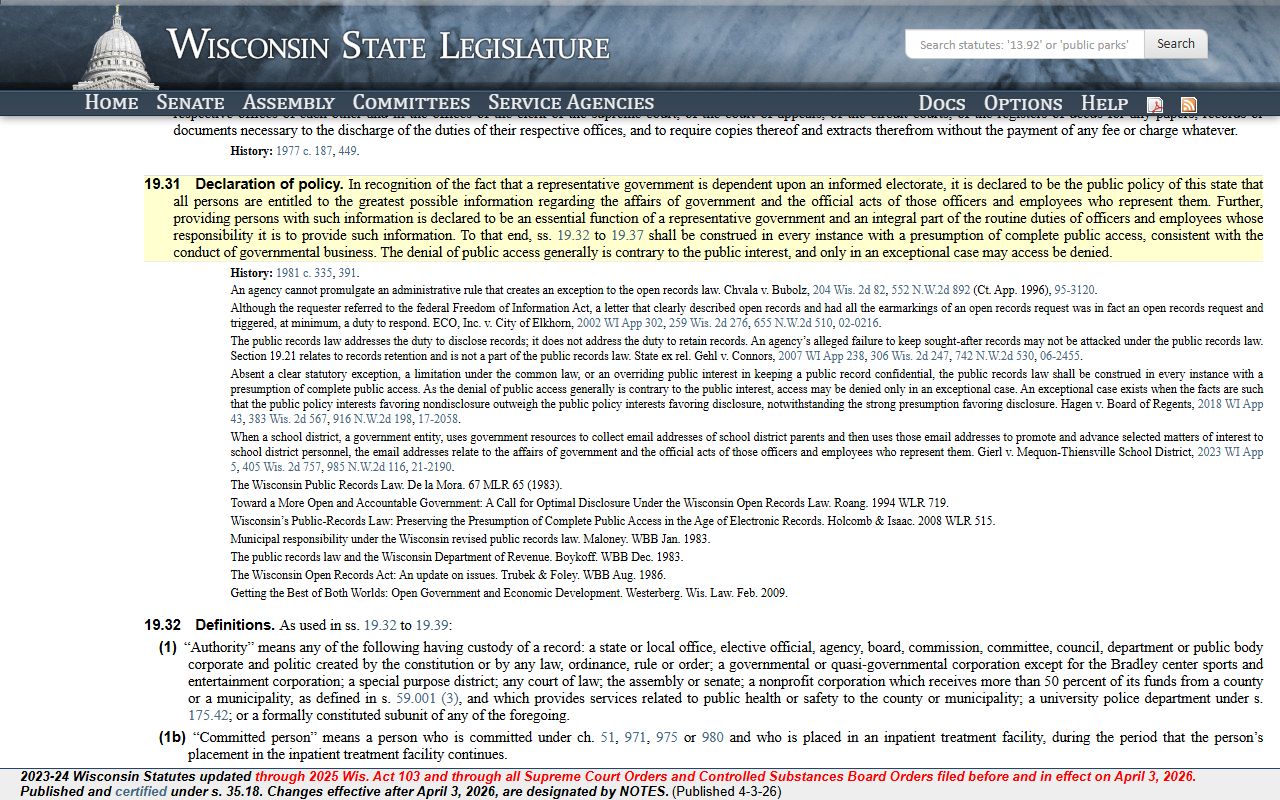
This image fits the statewide search because the public records law is the baseline for every request you make.
The official image source for record requests and fees is Wis. Stat. § 19.35.
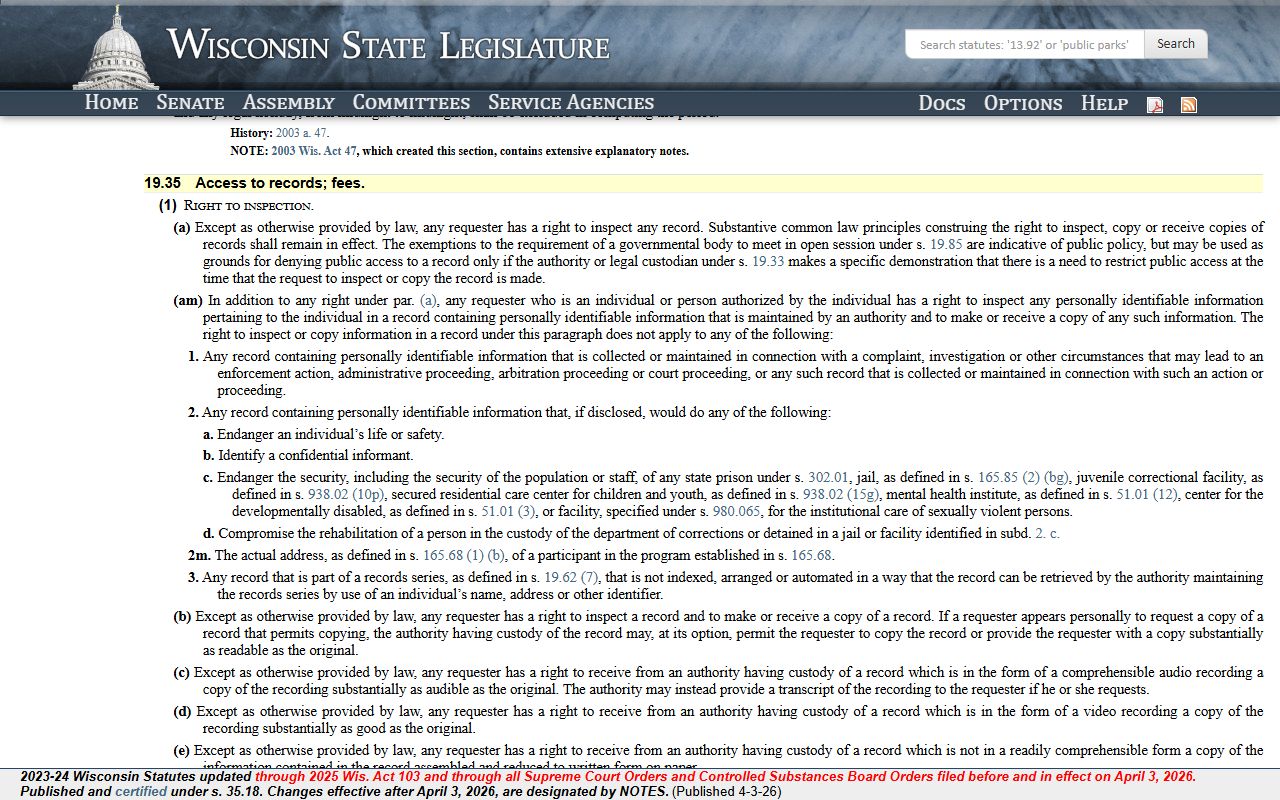
That statute matters when you want copies, a plain inspection, or a clear response from the office that holds the file.
The official image source for research help is the Wisconsin State Law Library.
The law library is useful when a booking turns into a docket search or when you need to understand where a court record should live.
How to Search Wisconsin Booking Reports
Searches work best when they move in order. Start with the local police department if the arrest happened in a city. Move to the county sheriff if the person was booked into jail. Use WCCA if the arrest became a public circuit court case. That sequence avoids broad requests and keeps the search tied to the office that actually holds the record. The county and city pages linked below follow that same logic, so you can go from a statewide overview to a local page without guessing.
The official image source for court docket searches is Wisconsin Circuit Court Access.
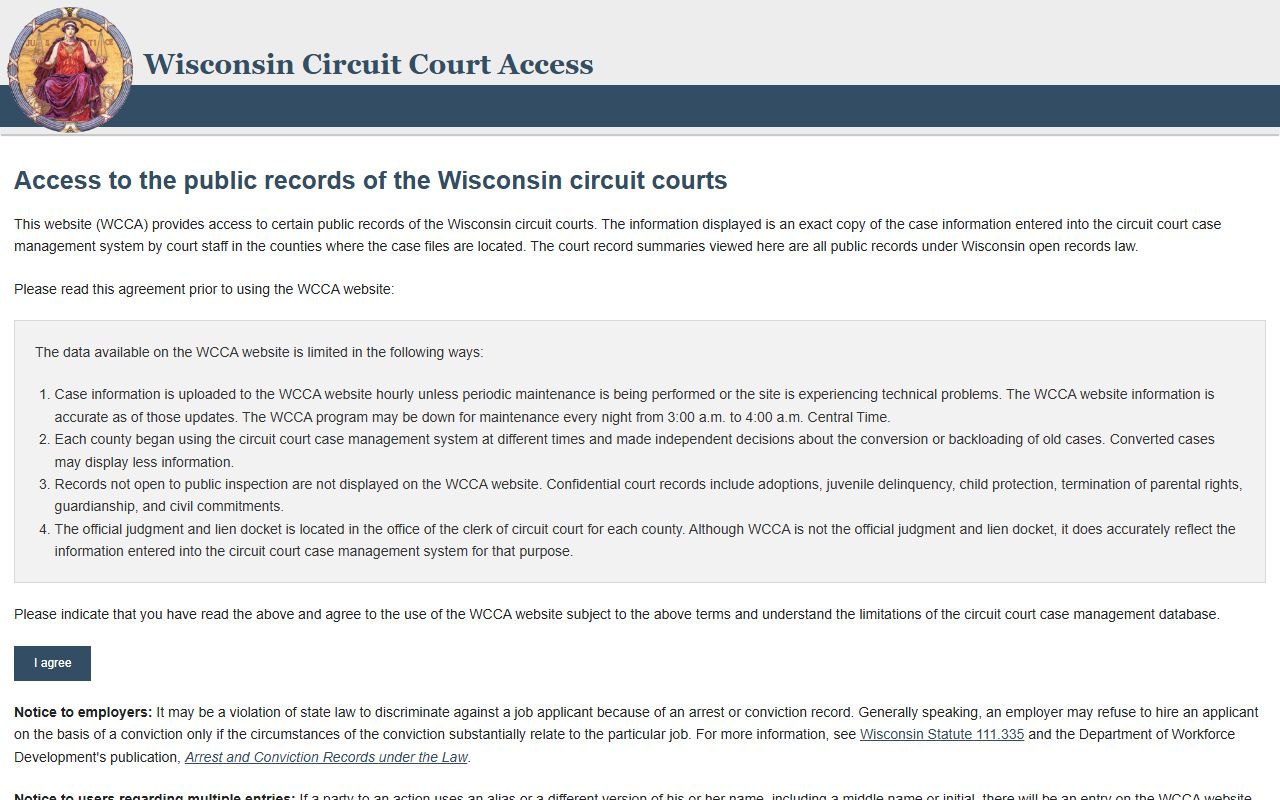
WCCA helps when the booking has turned into a case and you need party names, docket entries, or hearing dates.
The official image source for broader public case searching is Wisconsin Courts case search.
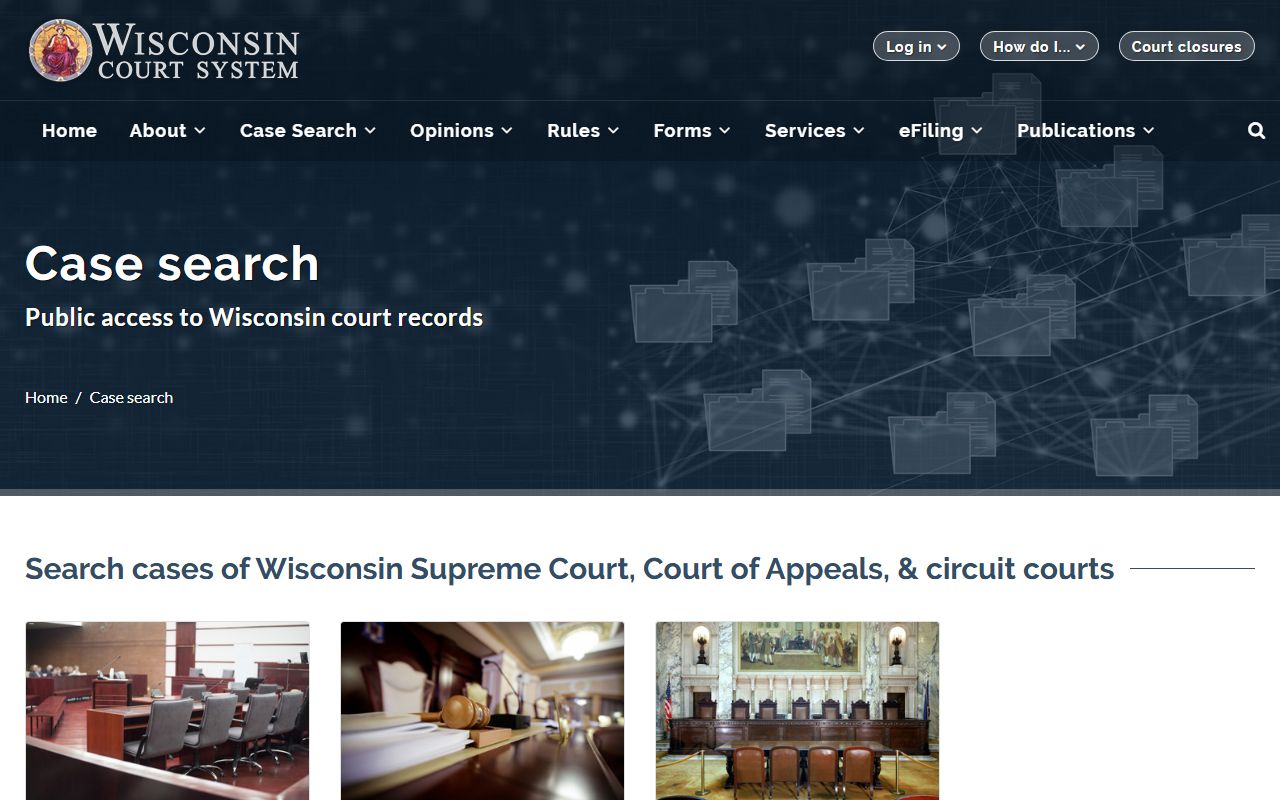
This page gives another official route to court information when you want to confirm a case outside the local jail record.
The official image source for statewide statutes is the Wisconsin State Legislature statutes database.
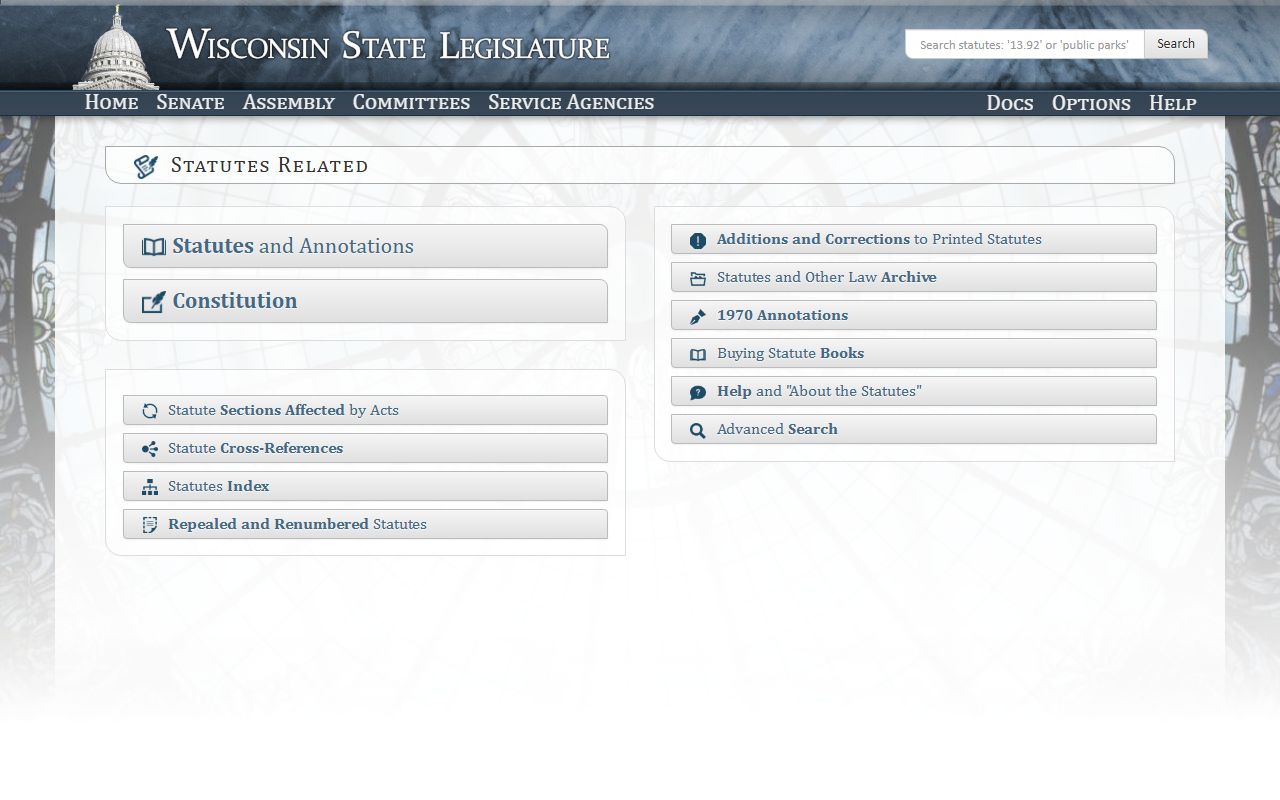
The statutes database is the right place to confirm the access rules that sit behind a public booking request.
Wisconsin Booking Reports Laws and Records
Wisconsin law also gives you a set of state tools that sit beside the county and city pages. The Department of Justice keeps criminal history information, offers a name-based record check, and explains how public records requests are handled. Those tools do not replace a local booking search, but they help when you need a statewide follow-up or want to confirm how an arrest was reported. If the local page points you to a county jail or city police office, the DOJ pages can still help you understand the broader record trail.
The official image source for criminal history information is the Wisconsin DOJ Crime Information Bureau.
The Crime Information Bureau is the state repository for arrest and criminal history data, so it is a useful cross-check when a booking has statewide impact.
The official image source for statewide records law research is the Wisconsin Legislature statutes database.
That state source is useful when you need the statute text behind public access, criminal history reporting, or related booking-record limits.
The official image source for public records guidance is the Wisconsin DOJ Office of Open Government.
The open government office explains how the public records law works, which is useful when an office needs clarification on a booking request.
Statewide Search Tools
Some booking searches need a custody check, not just a court case. That is where the Wisconsin DOC locator and VINE come in. The DOC locator tracks state inmates and people on supervision. VINE helps with custody alerts and participating county jails. Those two tools are not a substitute for the county jail page, but they are the right next step when a booking has moved beyond the first search. The DOJ crime data page also helps when you want statewide context instead of one local file.
The official image source for the DOC locator is Wisconsin DOC Offender Locator.
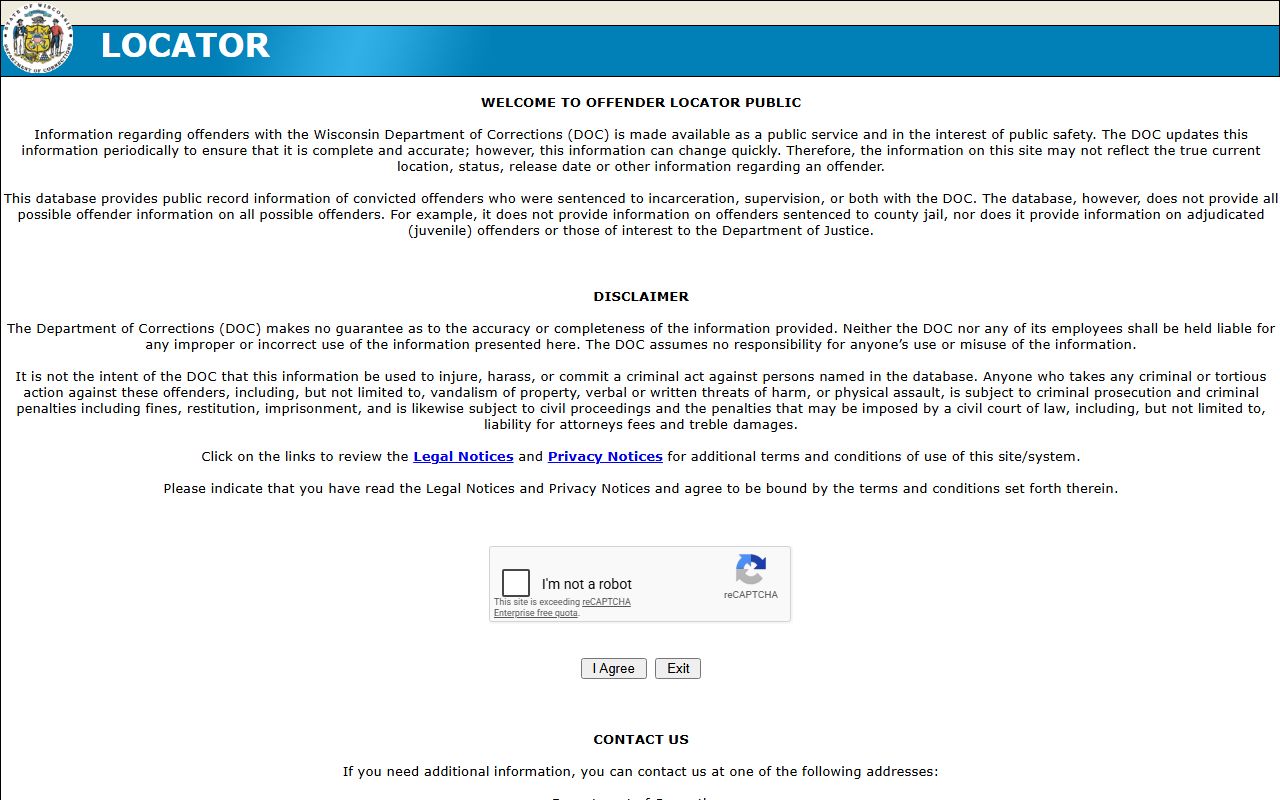
The locator does not replace a county jail search, but it is the right state tool when custody has moved into DOC supervision.
The official image source for custody alerts is VINE.
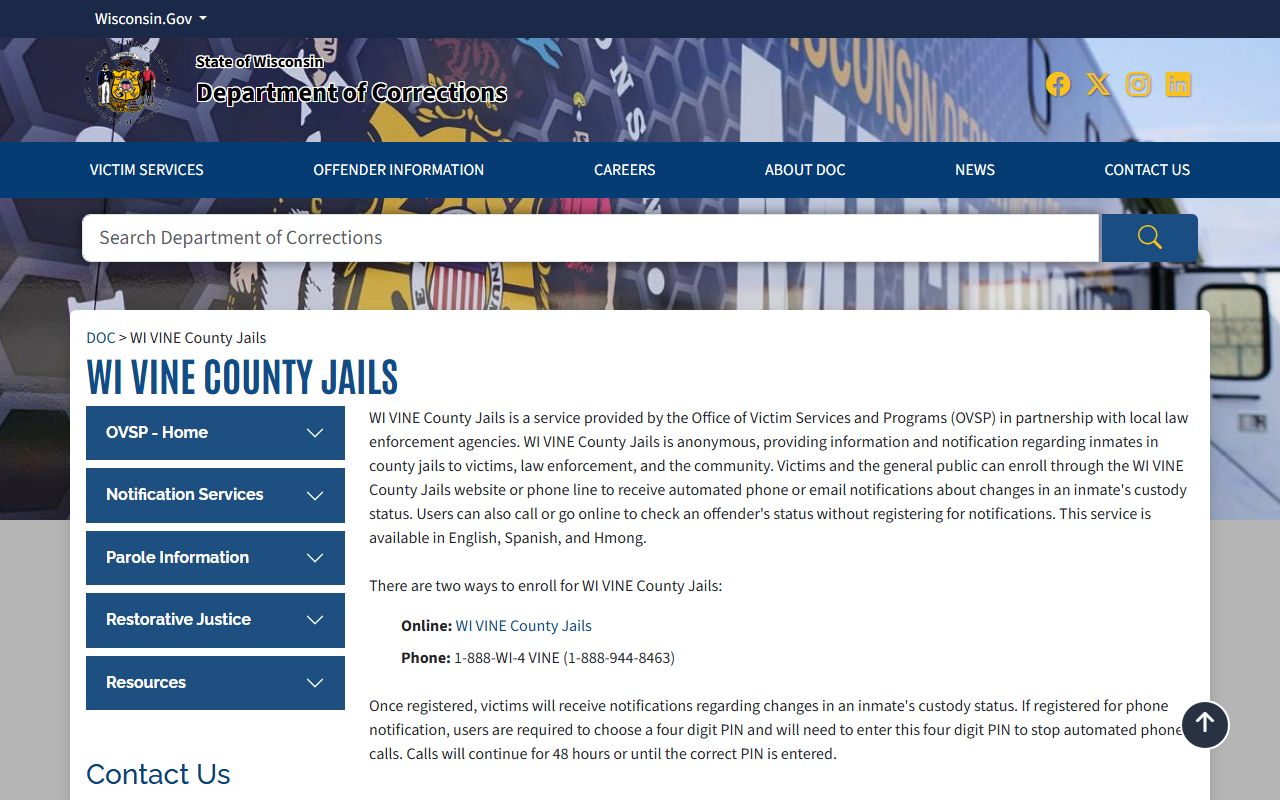
VINE is a good follow-up when you want a notice system for custody changes after the first search is complete.
The official image source for statewide arrest context is the Wisconsin DOJ Uniform Crime Reporting Program.
The UCR page gives statewide crime and arrest context, which helps explain how local booking activity fits into the larger record system.
Browse Wisconsin Counties
If you already know the county, use the county page first. County pages are the best fit when the booking moved into jail or county court. If you do not know the county yet, browse all Wisconsin counties and use the official page that matches the local sheriff, jail, or clerk of courts you need.
Those county pages are the fastest route when a booking moved from a city police stop to a jail or county court file. They keep the search local and official.
Browse Wisconsin Cities
If the arrest started with a city police department, a city page is often the best starting point. Use browse all Wisconsin cities when you need the local police or municipal court contact that sits closest to the booking record. City pages help you decide whether the trail starts with police, moves to a county jail, or ends in court.
These city pages are useful when the arrest began locally and you need the record path to stay tied to the right police department or municipal court.