
Search Calumet County Booking Reports
Calumet County Booking Reports are built around a simple roster and a clear records path. The sheriff's office in Chilton keeps the jail side, and the county roster updates often enough to make a same-day check useful. That helps when you need to confirm a booking, see whether someone was released, or match a name with a court case. If you need more than the roster gives you, the county records rules and the state court and custody tools fill in the gaps. The trick is to start with the live list, then move to the court record only if the roster leaves a question open.
Calumet County Overview
Calumet County Booking Reports and Jail Access
The Calumet County Sheriff's Office is at 206 Court Street in Chilton, and the main phone number is 920-849-2335. The jail is housed at the sheriff's office. Calumet County gives you an online roster in PDF form, and that roster updates every fifteen minutes. That makes Calumet County Booking Reports one of the easier county pages to check if you want current custody status without a long search.
The roster itself is plain and practical. It shows a booking number, inmate name, booking date and time, current charges, bond amount, housing unit, current status, and release date if one applies. It does not show mugshots. It also does not offer a fancy search box inside the PDF. You can still use it well if you know the name or can scan the list by last name. The county research says the list usually holds about 55 to 60 inmates, so the current snapshot is manageable.
That mix matters. Calumet County Booking Reports are not hidden, but they are not built for show. The county gives you a clean roster, a sheriff's office contact, and a state court path for the rest of the work. If a person moved out of jail custody, VINE and the DOC locator can take you the next step without guessing.
Calumet County Booking Reports Images
The local image below links to the official Calumet County government site at calumetcounty.org. It is the county source tied to the booking records image in the manifest.
Use it as the county-side entry point before you switch to the roster or the court file.
The next image links to the official Wisconsin Circuit Court Access site at Wisconsin Circuit Court Access.
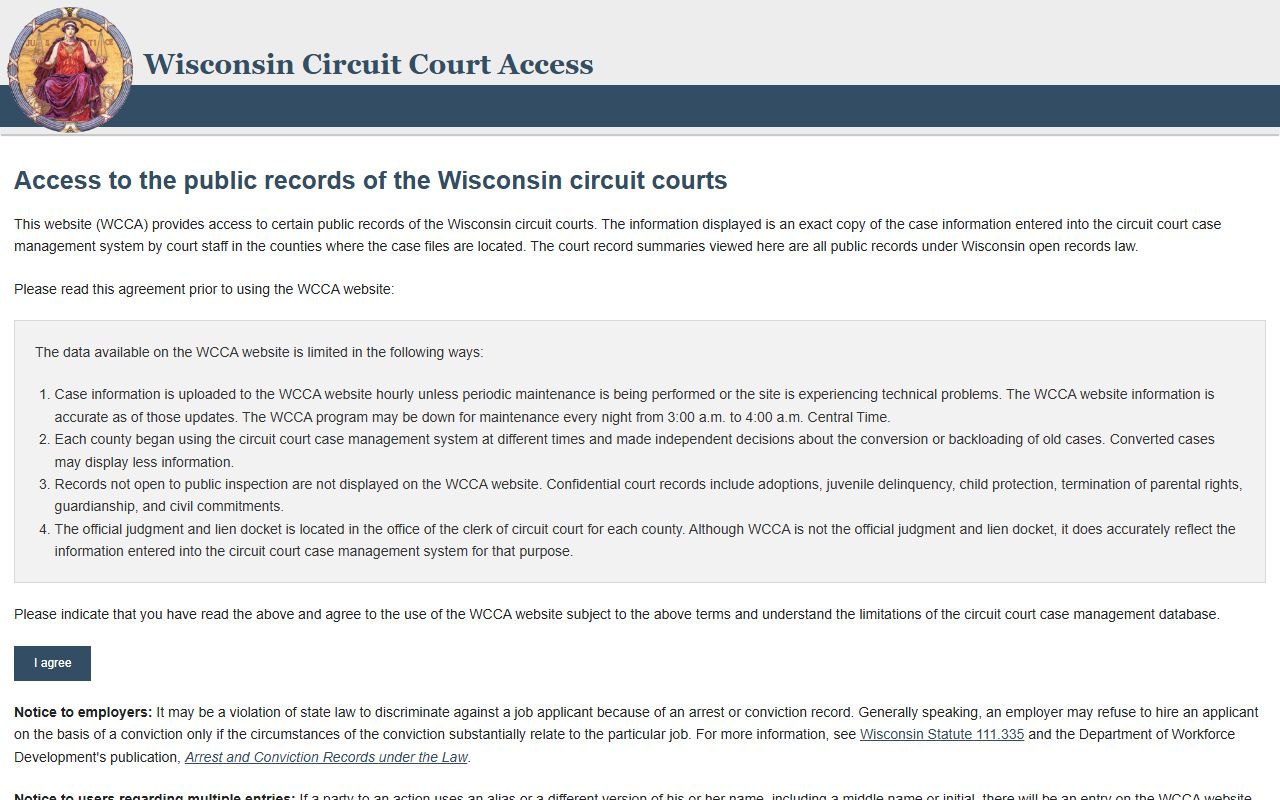
That helps you connect a booking to the criminal case that followed it.
A third image links to the Wisconsin VINE county jails page at Wisconsin VINE county jails page.
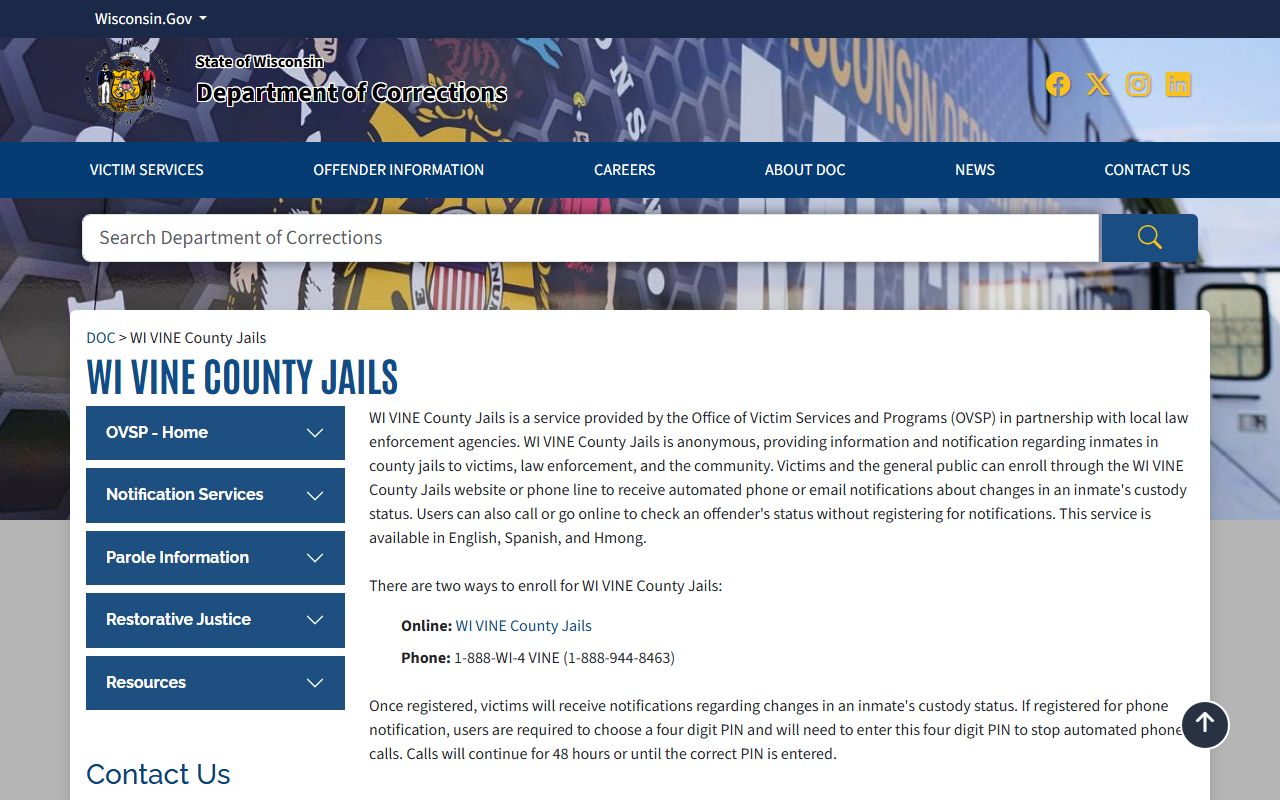
That is the best way to watch for a custody change after the roster has already moved on.
Search Calumet County Booking Reports
Searching Calumet County Booking Reports starts with the PDF roster. The research says the PDF is updated every fifteen minutes, which is fast enough for a same-day check but still simple enough to read by hand. If you know the last name, scan the roster. If you know the booking date, use that to narrow the field. If you need a case follow-up, move from the roster to CCAP and compare the party name or case number.
The county roster gives you enough detail to decide whether you need a copy. It shows the booking number, charges, bond, and housing unit, so it is useful even when there is no mugshot. If a name appears with a release date or transfer note, the state tools can help confirm whether the person is still in county custody. Use the DOC locator if the person left the jail. Use VINE if you want custody alerts instead of just a snapshot.
Before you call or write, keep the request tight.
- Full name of the person you are searching for
- Approximate booking date
- Date of birth if available
- Booking number if you already have it
- Which record you want, such as roster copy or incident report
That keeps Calumet County Booking Reports focused and avoids wasting time on the wrong inmate or the wrong week.
Calumet County Records Requests
Calumet County says written or in-person requests are accepted, and the sheriff's office handles the jail side of the file. Under Wis. Stat. § 19.31 and Wis. Stat. § 19.35, the request should be treated with a presumption of access and answered as soon as practicable. That means a clear booking report request is usually better than a broad ask for everything in the file.
The county research gives a decent fee outline. Paper copies are twenty-five cents per page. Certified copies cost five dollars per document. Photographs cost five dollars per photo. Electronic copies do not add a special copy charge beyond staff time. If the request takes a while, the first hour of location work is free and then staff time runs twenty dollars per hour. That is a fair setup if you know roughly how much you need before you ask.
For a practical request, keep it short. Ask for the booking report, the arrest report, or the incident record. Say what date range matters. If you only need the roster printout, say that too. Calumet County is not asking you to write a legal brief. It wants a plain record request that points to the right file.
Note: Calumet County Booking Reports do not show mugshots on the roster, so a separate records request is the cleanest path if you need a photo.
Calumet County Booking Reports and Court Tools
Once you have the roster entry, use Wisconsin Circuit Court Access for the court side. CCAP can show the case number, hearing dates, charge history, and current status. It is not a live jail feed, but it tells you where the booking went next. If the person transferred out of county custody, the Wisconsin DOC Offender Locator can show whether the person entered state supervision or prison.
The state research also points to the alternate DOC locator at the alternate DOC locator and the Wisconsin VINE system at VINE. Those tools are not the same as the roster, but they answer a different question. The roster says who is in jail now. CCAP says what the court did. VINE says whether custody changed. Calumet County Booking Reports work best when you use the three sources in that order.
If you need the statutes behind the request, the legislature database at the Wisconsin statute database has the full text. That is helpful if a clerk wants to see the law instead of a summary.
Calumet County Fees and Help
The state public records law is what keeps Calumet County Booking Reports accessible. The key rules live in Wis. Stat. § 19.31 and Wis. Stat. § 19.35. Those sections support broad access and set the response standard. If you need to read the exact text, the legislature site is the cleanest source. The Wisconsin Department of Justice Office of Open Government and the Wisconsin State Law Library also help when you are not sure how to read a docket or make a clean request.
For criminal history follow-up, the county booking side can connect to the state records side through the Crime Information Bureau and the DOC locator. The DOJ CIB page at Wisconsin DOJ Crime Information Bureau is useful if a booking became part of a broader history check. If the booking led to a charge that was reported to the state, Wis. Stat. § 165.83 explains why that reporting exists. If the record later qualified for removal, Wis. Stat. § 165.84 is the law to read.
That is the practical path here. Start with the roster, confirm with the court, and use the state tools when you need a wider view of the same booking.