
Search Green Bay Booking Reports
Green Bay Booking Reports are best handled as a city police search first, then a Brown County jail or court search if the person is still being held. The city provides a police department records path, a records request page, and a clear place to send emails or mail requests. That makes the search more direct than it looks. Green Bay also ties some arrest information to Brown County custody and municipal court cases, so the booking trail can cross more than one office. If you start with a narrow name search and follow the record where it actually lives, the process stays manageable.
Green Bay Overview
Green Bay Booking Reports and Police Access
The Green Bay Police Department is at 307 S Adams Street in Green Bay, and the records email is recordrequest@greenbaywi.gov. Green Bay Booking Reports are easier to start here because the city gives you a police records contact and a dedicated records request page. The research says the department also uses a DPPA Permissible Uses Form for requests, which helps keep the paperwork clear. That means you can start with the city side before moving to the county or court record.
The police records process can be done in person, by email, or by mail, and the office hours run Monday through Friday from 7:30 a.m. to 4:00 p.m. That is helpful when the booking is recent and you want a direct answer. Crash reports have a set fee, and most other copy fees depend on the record type. The city also says prepayment is generally required before release. Green Bay Booking Reports are best when the request is specific and the date range is short.
Because Green Bay arrests can lead to Brown County custody or municipal court matters, the city record is usually the first piece, not the last. That is the right way to treat it.
Green Bay Booking Reports Images
The first fallback image links to Wisconsin Circuit Court Access at the official CCAP site. It is a useful court-side anchor for Green Bay Booking Reports.
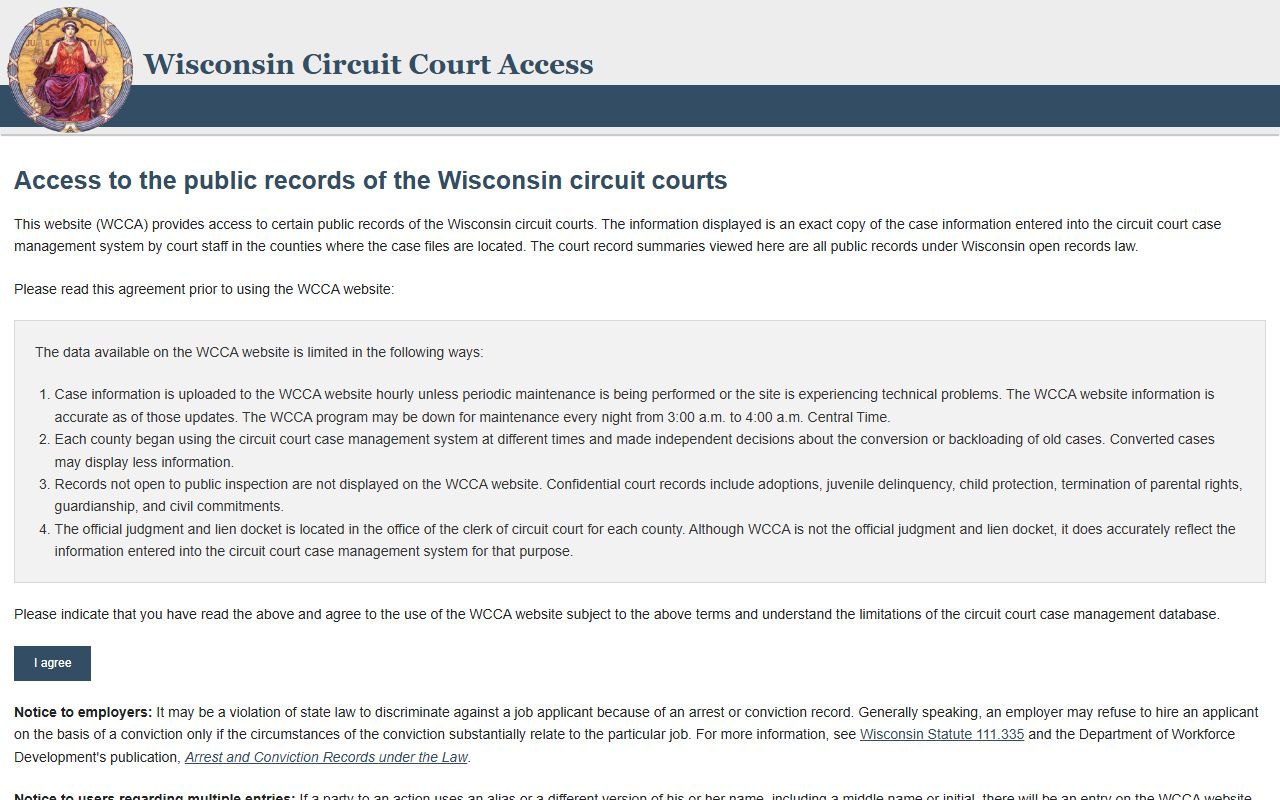
Use it when the city record needs a court docket to go with it.
The next fallback image links to Wisconsin Public Records Law at the state public records law text.
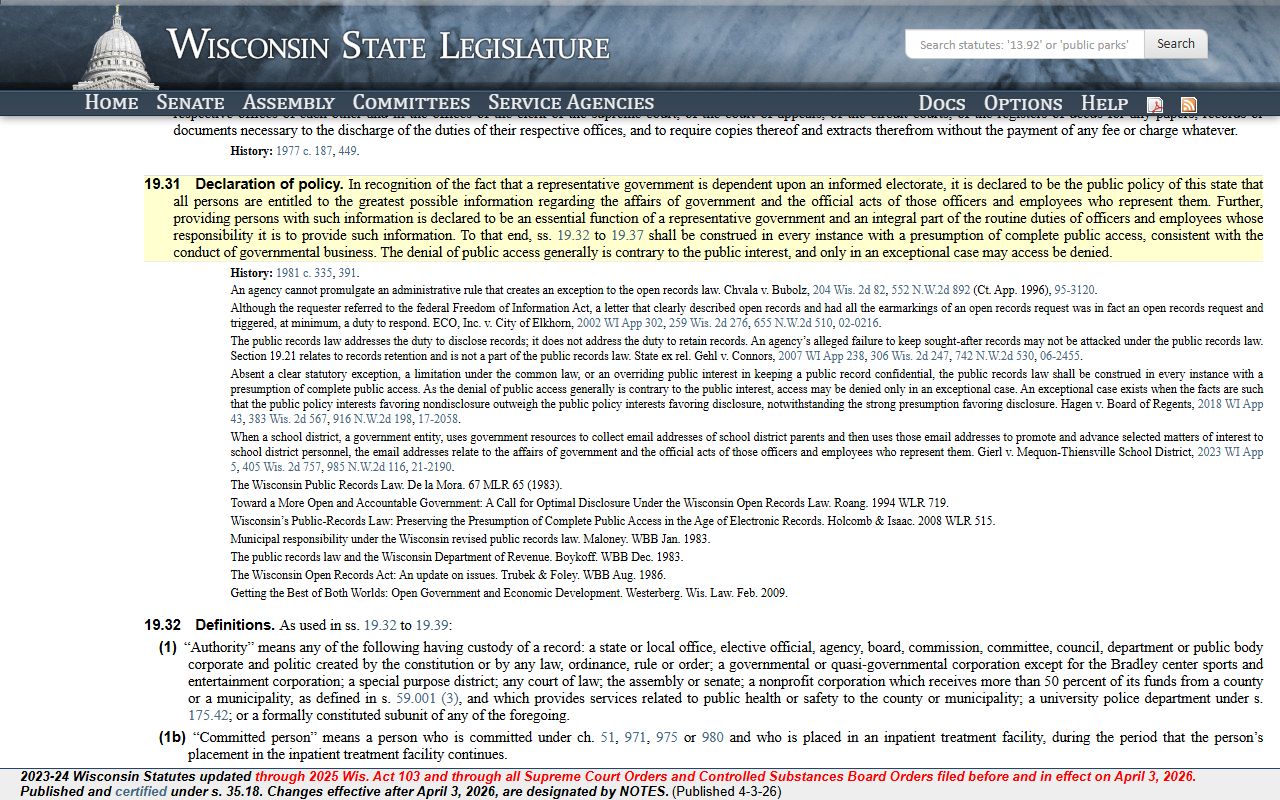
That is the right rule set when you need to make a records request.
A third fallback image links to the Wisconsin VINE county jails page at the county jails alert page.
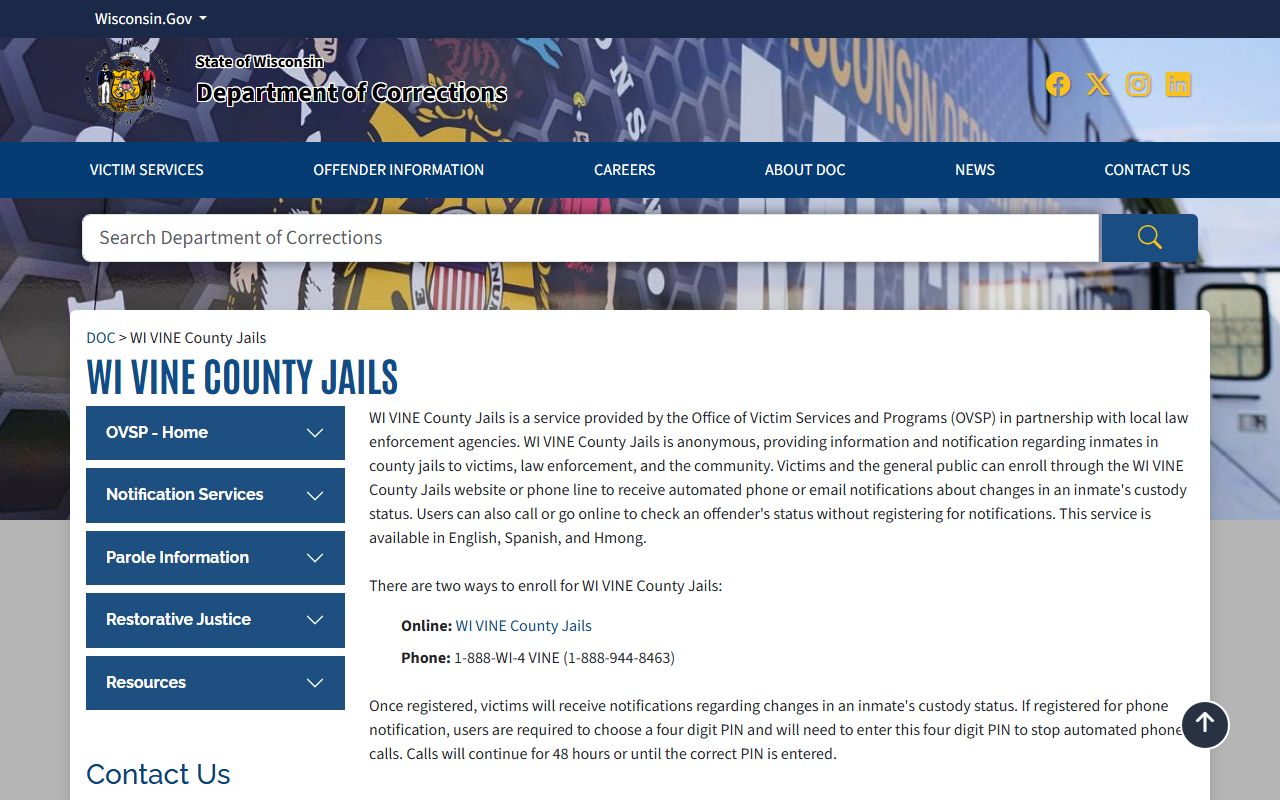
It helps when custody changes after the first search.
The fourth fallback image links to the Wisconsin DOC Offender Locator at the state offender locator.
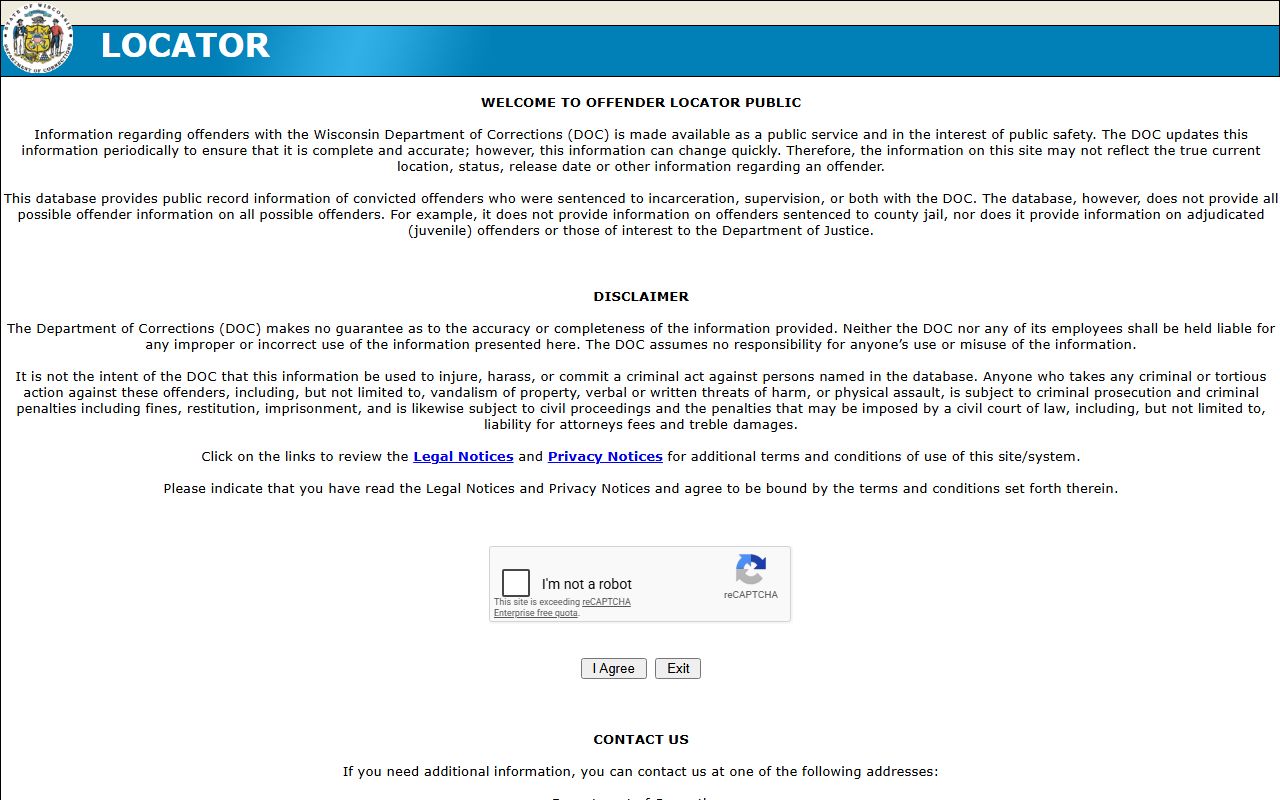
That can show the next stop if the booking moved beyond the city record.
Search Green Bay Booking Reports
Searching Green Bay Booking Reports usually starts with the city police department and the records request page. The research says the department requires a DPPA Permissible Uses Form for all requests and that written or mailed requests may need prepayment. That tells you the city expects a specific ask. If you already know the name and the approximate arrest date, start there. If you need custody status, move to Brown County's inmate lookup tool after the city police search.
Keep the search focused.
- Full name of the person you are checking
- Approximate arrest or booking date
- Report number, citation, or case number if you have it
- Whether you need city police records or Brown County custody status
- Any municipal court detail already known
That keeps Green Bay Booking Reports centered on one person and one office path.
Green Bay Booking Reports Requests
Green Bay says records requests can be made in person, by email, or by mail, and that the DPPA form is required for all requests. The city also says a government-issued photo ID is required for in-person requests and that the records staff may need prepayment before release. That is useful because it tells you how to avoid delay. Green Bay Booking Reports are best requested with the subject's full name, birth date if you have it, and a short date range.
The fee structure is practical. Crash reports cost three dollars each, while other copies vary by type. The office also says the records counter is open during business hours on weekdays. If you only need a booking answer, the city police department can often tell you where to go next. If you need a copy, ask for the smallest record that answers the question. That keeps the request narrow and the cost down.
Green Bay Booking Reports are easiest when the city request comes first and the county jail check only fills the gap.
Green Bay Booking Reports and Court Tools
Once you have the name, use Brown County's inmate lookup tool for the custody side. If you need the county office, the Brown County Sheriff's Office can help confirm where the person is now. For the court side, Wisconsin Circuit Court Access can show the docket, hearing dates, and case status tied to the booking. That matters because a Green Bay arrest can move into Brown County custody fast.
If the case is tied to a local ordinance matter, the Green Bay Municipal Court can also be part of the trail. The city and county together usually show the full picture better than either one alone. If the person moves into state custody or supervision, the Wisconsin DOC Offender Locator and the VINElink system can help track the next step.
Green Bay Booking Reports Help
For broader record context, the Wisconsin DOJ Office of Open Government, the Wisconsin State Law Library guide, and the Wisconsin statute database can help you read the law and the record side together. Those tools are useful when the city record is thin or when the county jail has already taken over custody. Green Bay Booking Reports are best treated as a city police search first and a county or court search second.
If the city record does not answer the whole question, the county jail lookup, the municipal court, and the state tools can usually show the next layer without much extra work.